Trade-In Help
Can’t Find Your Trade-In Label? Here’s What to Do
If you’ve completed your phone trade-in with The Big Phone Store and you’re wondering where your shipping label is, don’t worry. Nothing is missing.
You do not need to print a label yourself
Instead, you’ll receive a QR code by email. This QR code is what the Post Office uses to print your postage label for you.
Where is my trade-in label?
Your trade-in postage label is not sent as a physical label. It is sent as a QR code to the email address you used when completing your trade-in.
Please check your inbox for an email from us with your QR code. If you can’t see it straight away, make sure you also check your:
- Junk folder
- Spam folder
- Promotions folder
- Clutter folder, if your email provider has one
Sometimes important emails can land there by mistake.
Do I need to print anything?
No. You do not need to print your own label.
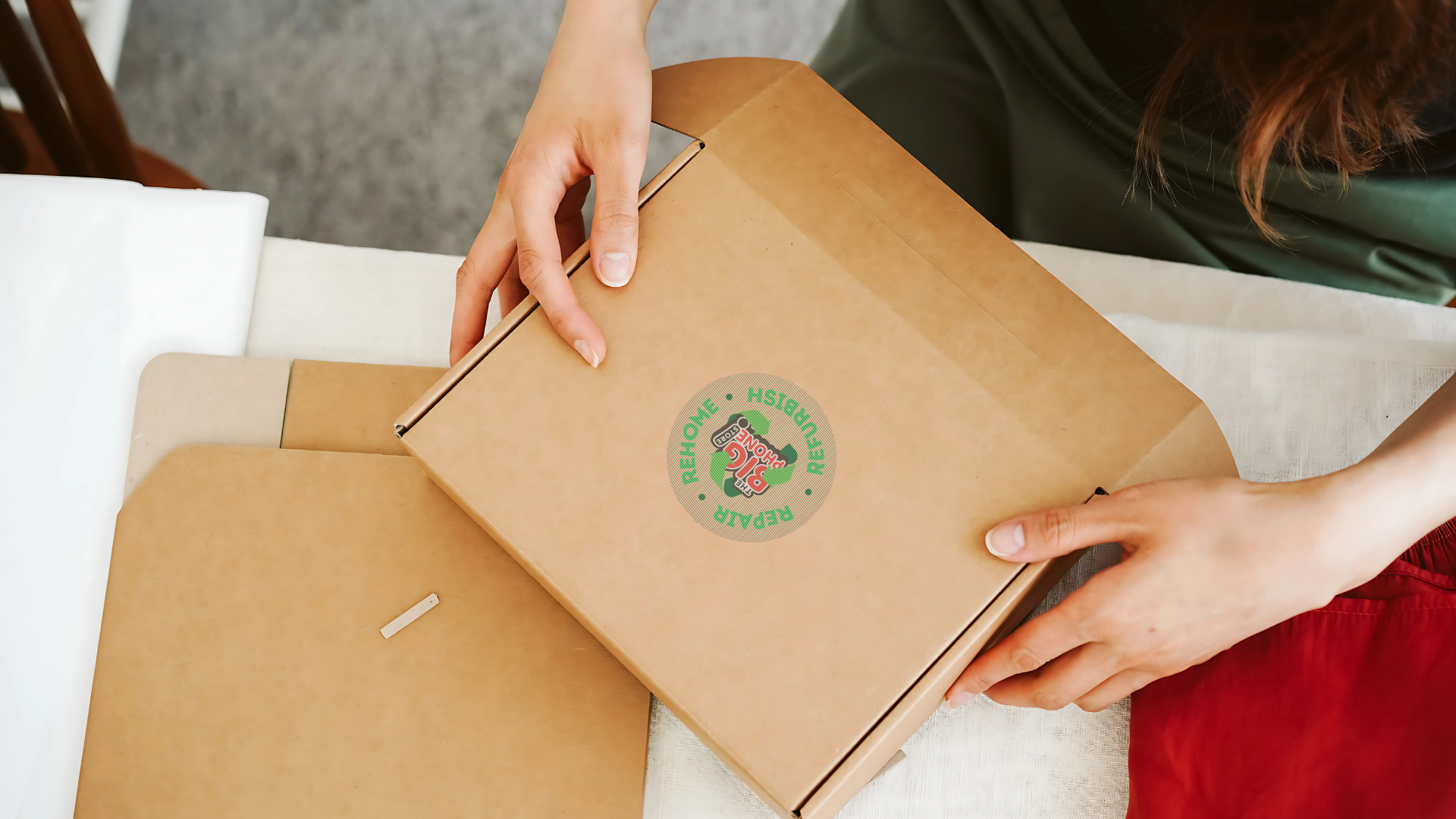
Once your phone is safely packaged, take your parcel to your local Post Office and show them the QR code from your email. They will scan it and print the shipping label for you.
How to send your phone to us
- Package your phone securely.
- Find the QR code email we sent you.
- Take your parcel and QR code to your local Post Office.
- Ask the Post Office to scan the QR code.
- They’ll print the postage label for you.
- We recieve it, and you get paid!
As long as you have your QR code email, you have everything you need to send your trade-in to us.
Still can’t find your QR code?
If you’ve checked your inbox, junk and spam folders and still can’t find your QR code, please get in touch with our team and we’ll help you.
But in most cases, the QR code will already be waiting in your emails.
Watch the video below for a quick guide!
Or, read through our trade-in instructions for the full rundown. Happy sending!